
Tab Audio Tap
Stream External Browser Audio

Overview
WAX Tab Audio Tap lets you capture audio from any Chrome tab and stream it directly into WAX. Route music, videos, instruments, and other browser-based audio sources into your workflow for real-time processing, recording, experimentation, and creative sound design—without downloading files or setting up complicated audio routing.
Details
WAX Capabilities
- Audio
From browser to plugin in three steps
Load WAX in your DAW
Drop WAX on a track like any VST3 or Audio Unit — instrument or effect.
Open a web audio app
Browse to any music app, service or custom page inside the plugin window.
Play it like a plugin
Audio, MIDI, tempo and presets are wired into your session automatically.
Why Producers Choose WAX
Stop leaving your session. Bring the web into your workflow.
- Windows & tabs everywhere
- No native DAW integration
- Manual workflow & setups
- No preset or state recall
- Constant Un/Installing
- Breaks your creative flow
- Everything inside your DAW
- MIDI, audio & host sync
- Instant presets & recall
- Transport & tempo aware
- One seamless workflow
More apps like this
Same kinds of instruments and tools from the WAX library.

WavedStudio
Waveform Studio Editor

Drum Slice
Slice drum loops, organize hits, and shape your sound.
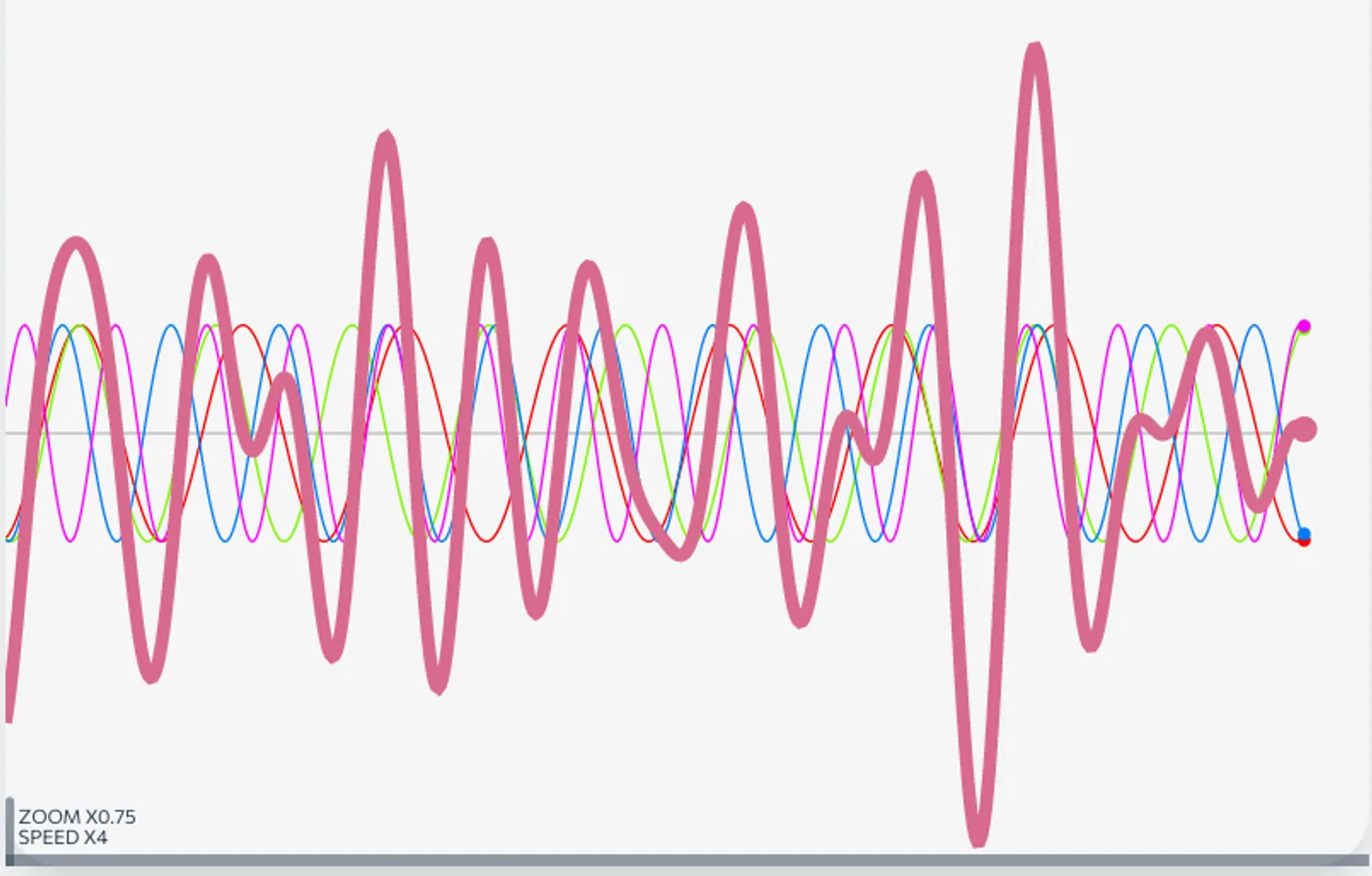
Waveform Accumilation
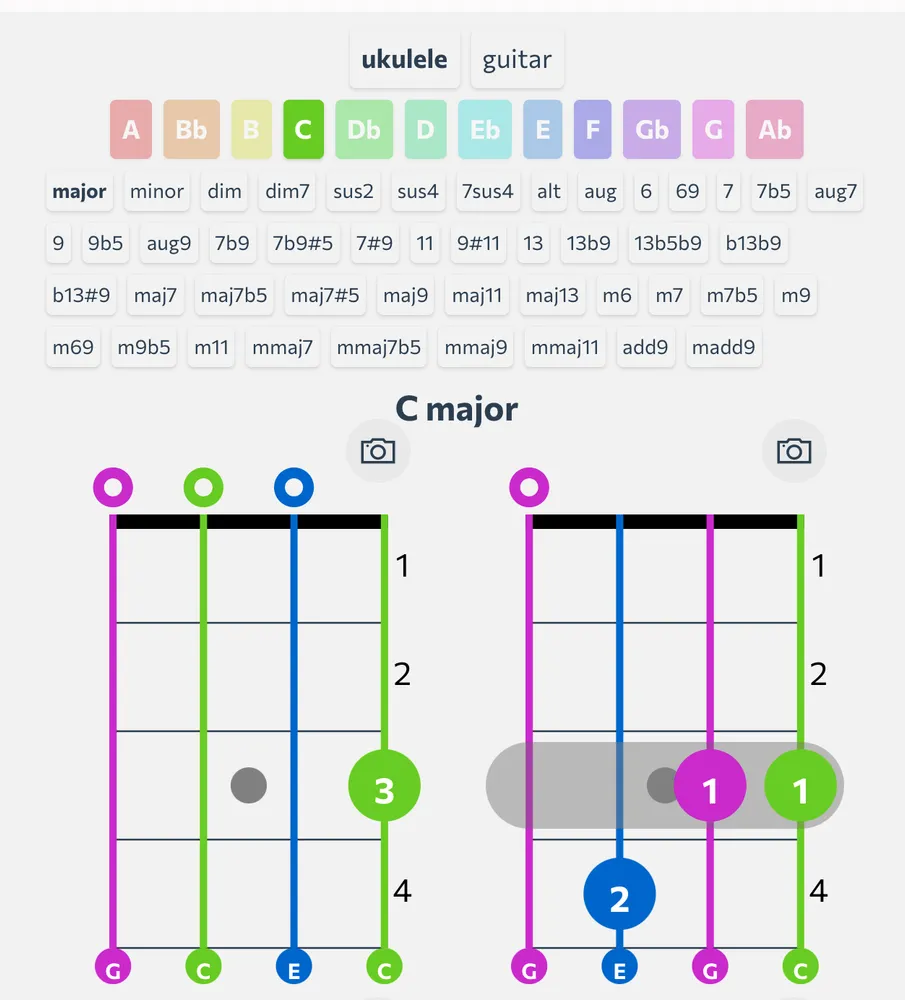
Chord Tabs
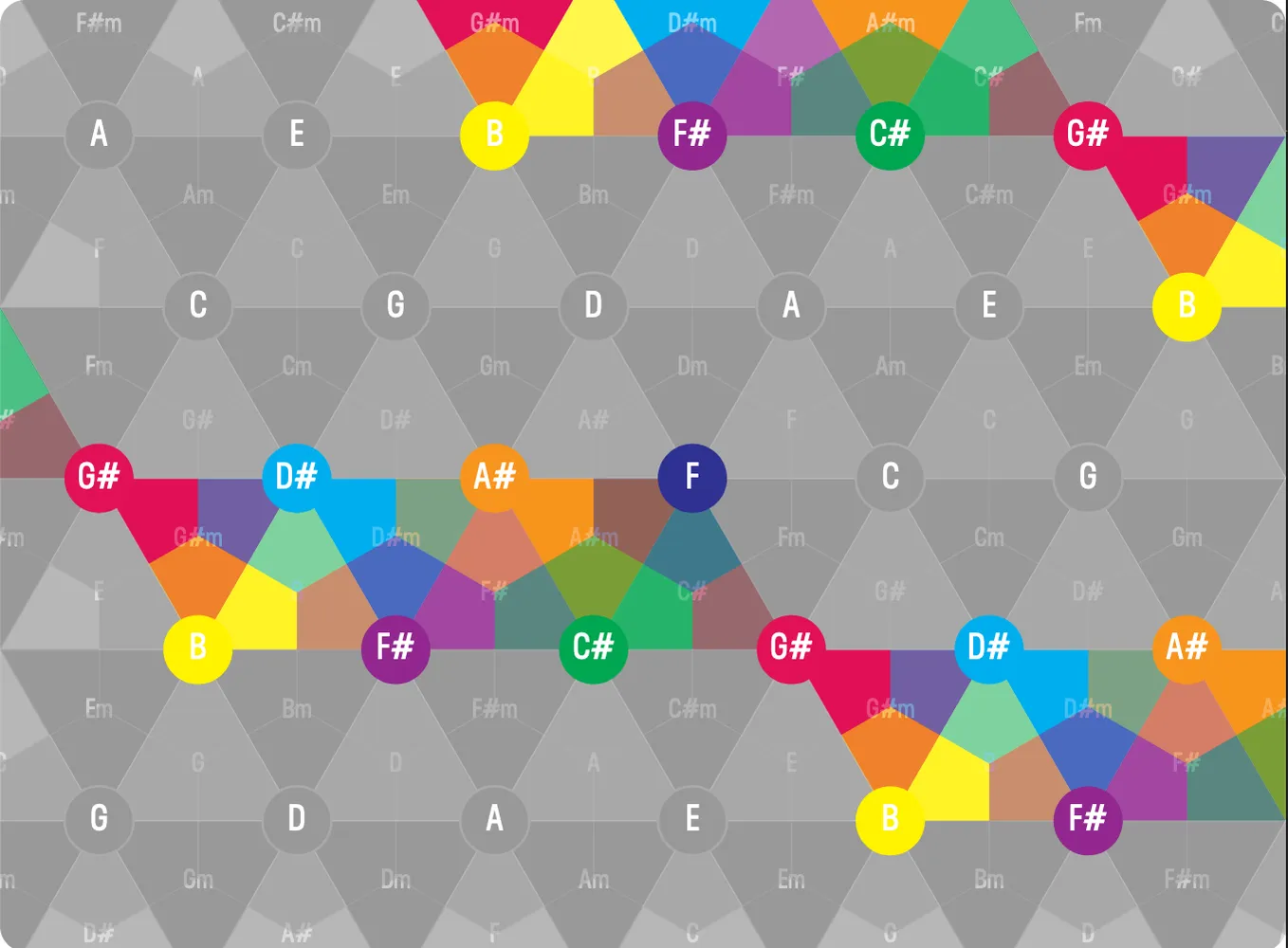
Chord Array
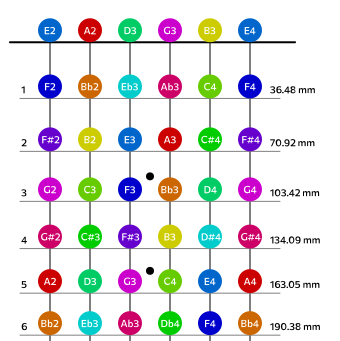
Fretboard Calculator
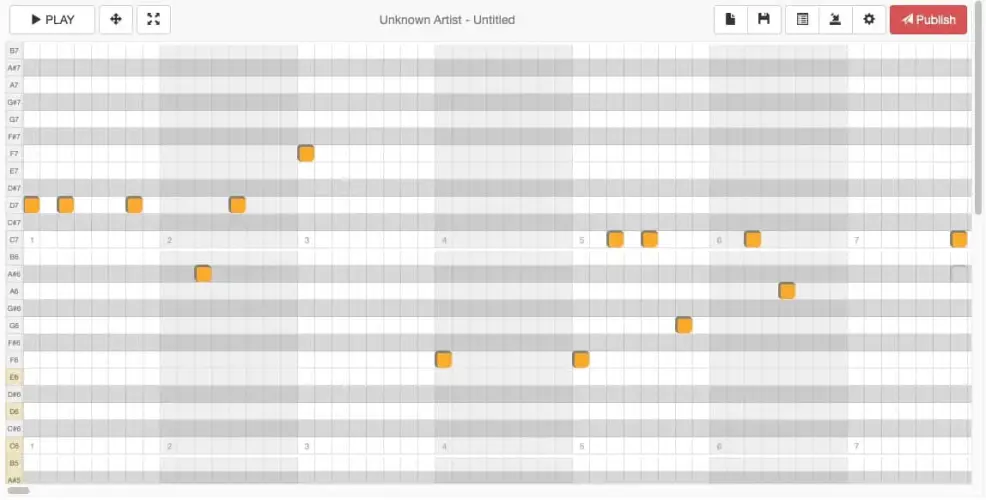
Music Box Maniacs

WAXStream Relay Mini
Broadcast & receive WaxStreams between applications

TabTap
Stream audio from external browsers to WAX

DataTree Test
ReverbGen
Free reverb impulse response generator
Drum Tuner